Sources
Testkube connect to your git repository through a Test Source. Once you create a Test Source you can use it in as many tests as you have.
To connect a Git Repository as a Test Source, follow the following instructions:
- Dashboard
- CLI
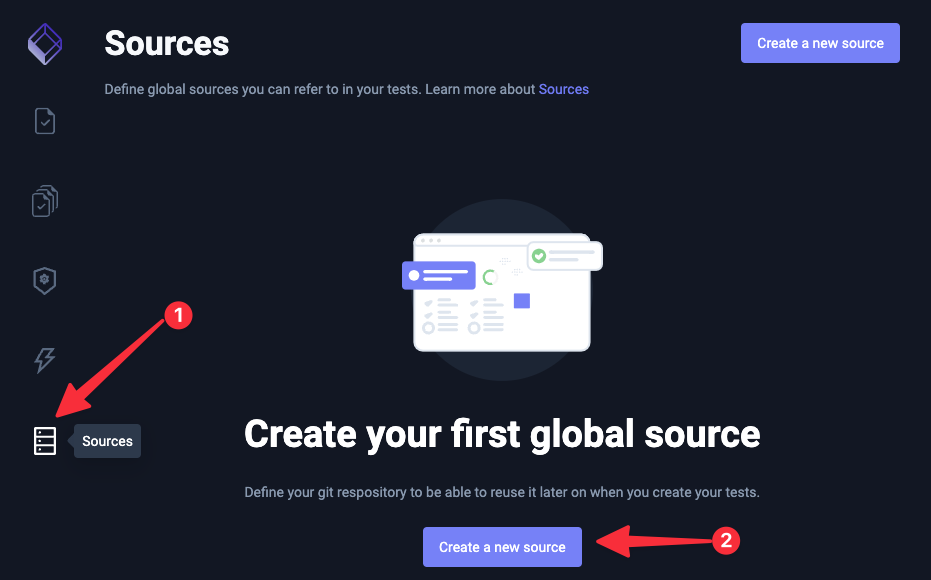
Go to the Test Sources page and click on the "Create New Source" button:
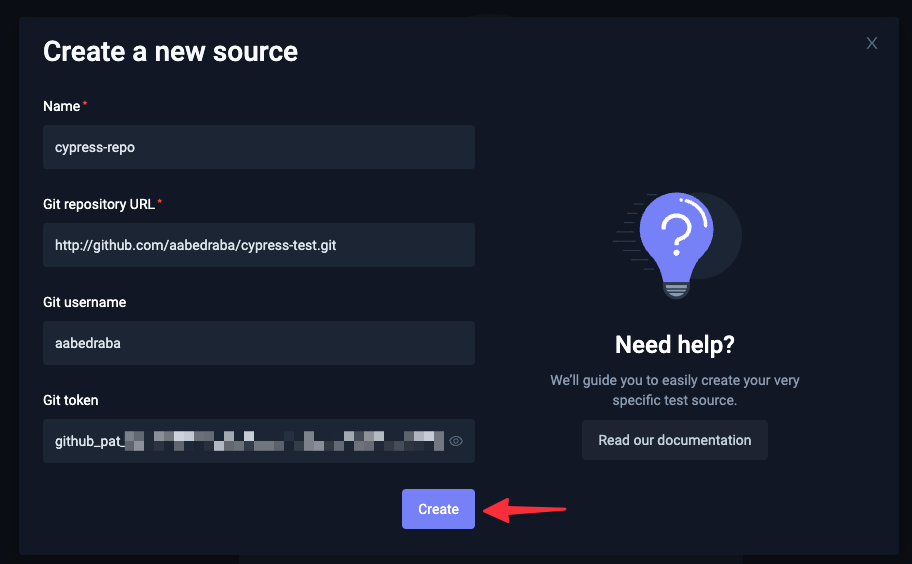
Fill the form:
note
If you are connecting a public repository, you can leave the Username and Git Token fields empty.
Run the following command to create a Test Source:
testkube create testsource --name cypress-test --git-uri <REPOSITORY-URL>
note
To add a private repository, you will need the Username and Git Token of the repository. Check the testkube create testsource --help for more information.
Once you've created the Test Source, you can Create a Test that uses the Test Source.