AI Governance
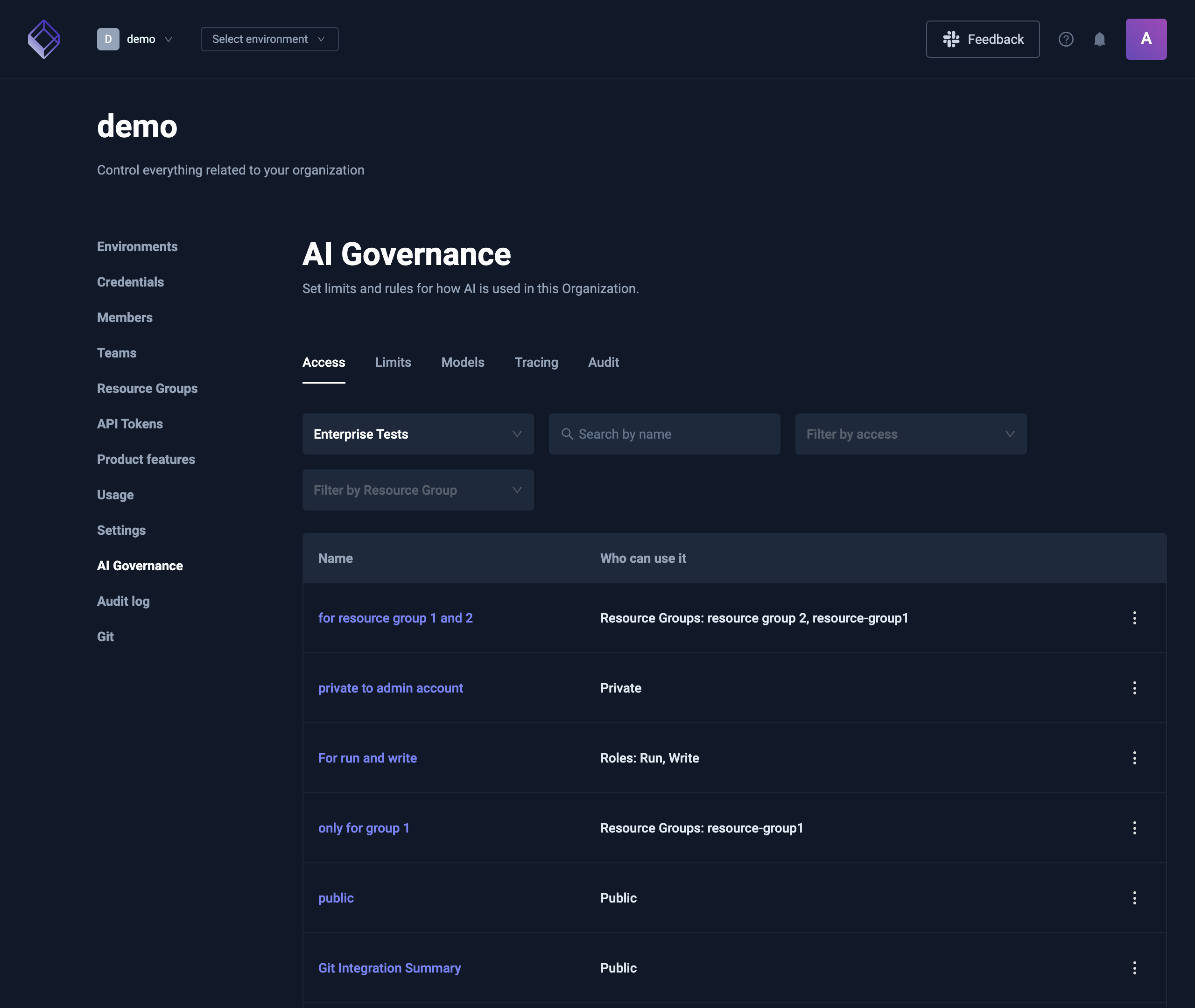
AI governance gives Organization admins and owners control over how AI is used in their Organization. It covers:
- AI Agent access. Who can use each AI Agent and see its chats.
- Model access. Which models each Member and AI Agent can use.
- Token limits and pauses. How many AI tokens a Member, an AI Agent, an Environment or the Organization can use, and stopping AI at any of those levels.
- Token usage. How many AI tokens were used, split by AI Agent, Member, model or Environment.
- AI tracing. OpenTelemetry traces of every AI turn, sent to your own observability tool.
- Audit log. Every tool call made through MCP.
Most of it lives on one page: Organization Management → AI Governance. Only Organization admins and owners see that page. Some settings sit on the thing they control, such as the Access card of an AI Agent or the Token Limit card of a Member.
Availability
| Part | Needs |
|---|---|
| AI Agent access and model access | RBAC in your license |
| Token limits, pauses and token usage | Nothing more |
| AI tracing | Nothing more |
| The Audit tab | Permission to see the Organization's Audit log |
Without RBAC, every member who can chat can use every AI Agent and every model, and the Access tab says AI Agent access needs RBAC.
On a self-hosted control plane, AI governance needs PostgreSQL, and the AI Governance page doesn't show without it. See AI Governance in the configuration reference for what a self-hosted install needs, including the MCP encryption key.
The AI Governance page
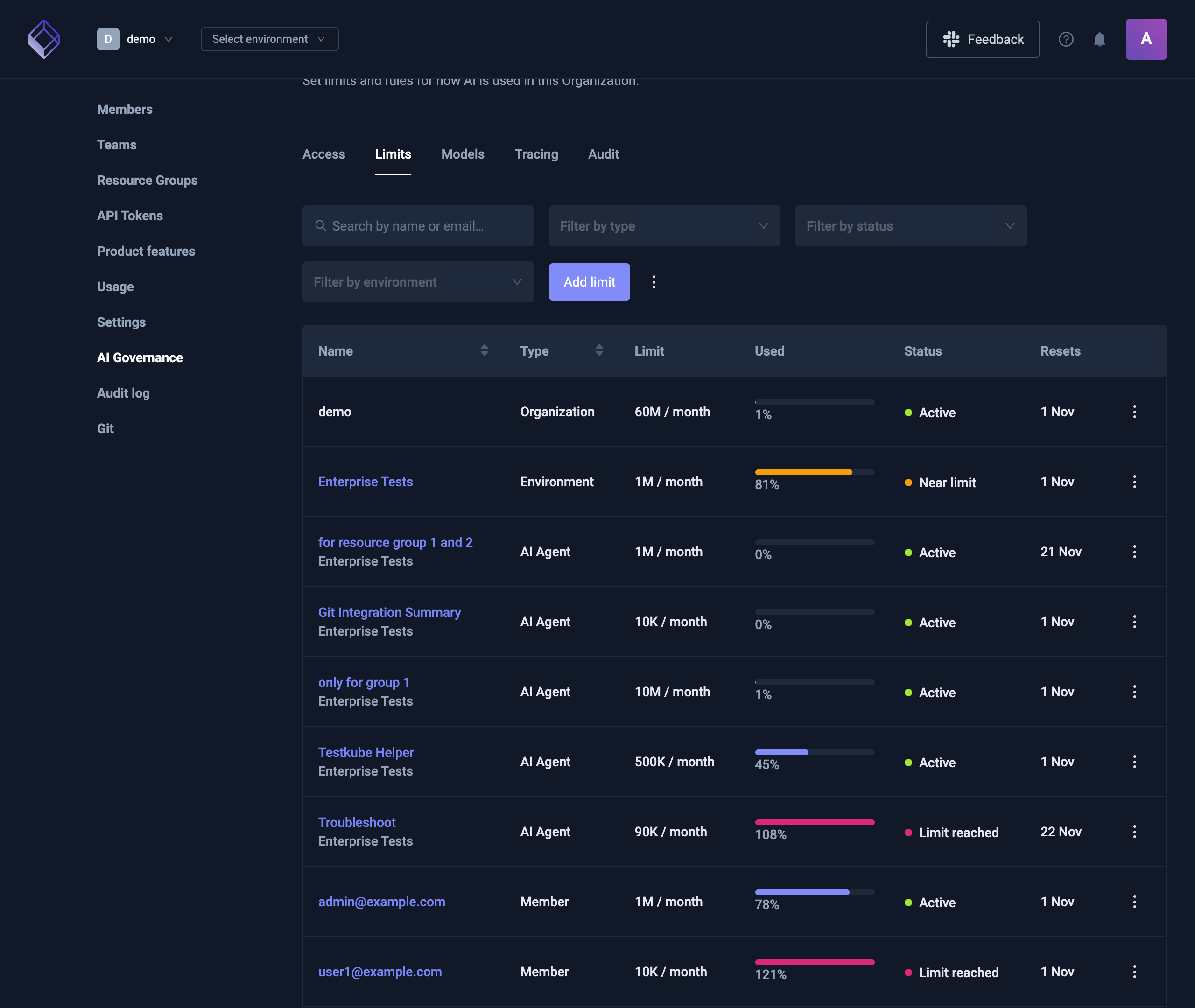
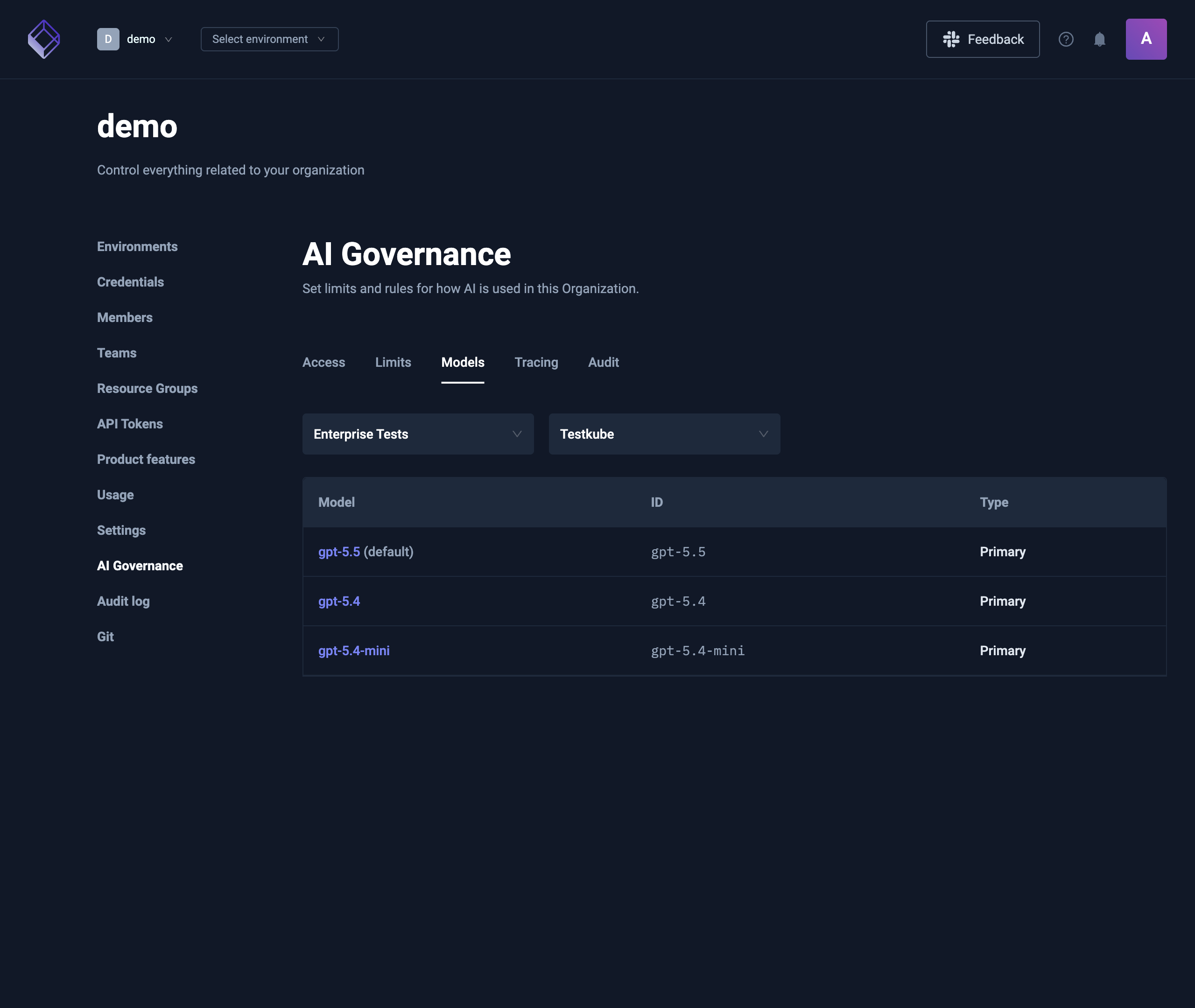
The page has one tab per area. Access, Models and Limits start from an Environment picker or filter, because AI Agents and models belong to an Environment.
| Tab | What it shows | Read more |
|---|---|---|
| Access | The AI Agents of one Environment and who can use each one. Edit access changes it. | AI Agent access |
| Limits | Every token limit and pause in the Organization, with tokens used and when each resets. Add, edit, pause and resume limits here. | Token limits and pauses |
| Models | The models of one Environment, by provider. With RBAC, a model opens its details to see who is limited to it. | Model access |
| Tracing | Where the Organization's AI traces are sent: AWS CloudWatch or any OTLP endpoint. | AI tracing |
| Audit | Opens the Audit log filtered to the MCP source. | Audit log |
Who can do what
- Organization admins and owners can open the AI Governance page and change everything on it.
- Environment admins can set token limits and pauses for their Environment and its AI Agents, from AI Settings. They can use every AI Agent, but can't change AI Agent access or model access.
- The creator of an AI Agent can make it public or private.